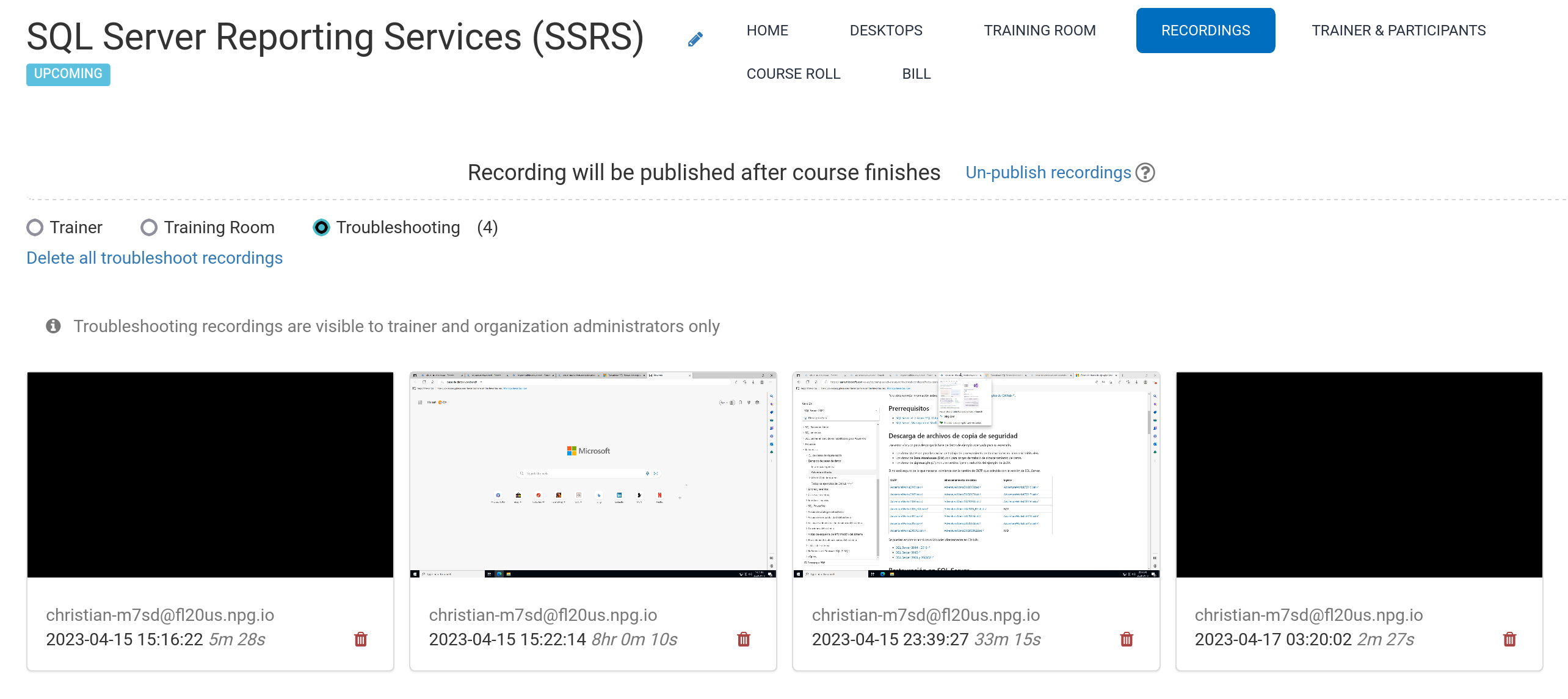
Auto Course recording (Trainer's Desktop)
Course recordings of the Trainer's Desktop, or the Training Room (if this is used during the course) are made automatically during the course.
Press the red-button again to stop the recording.
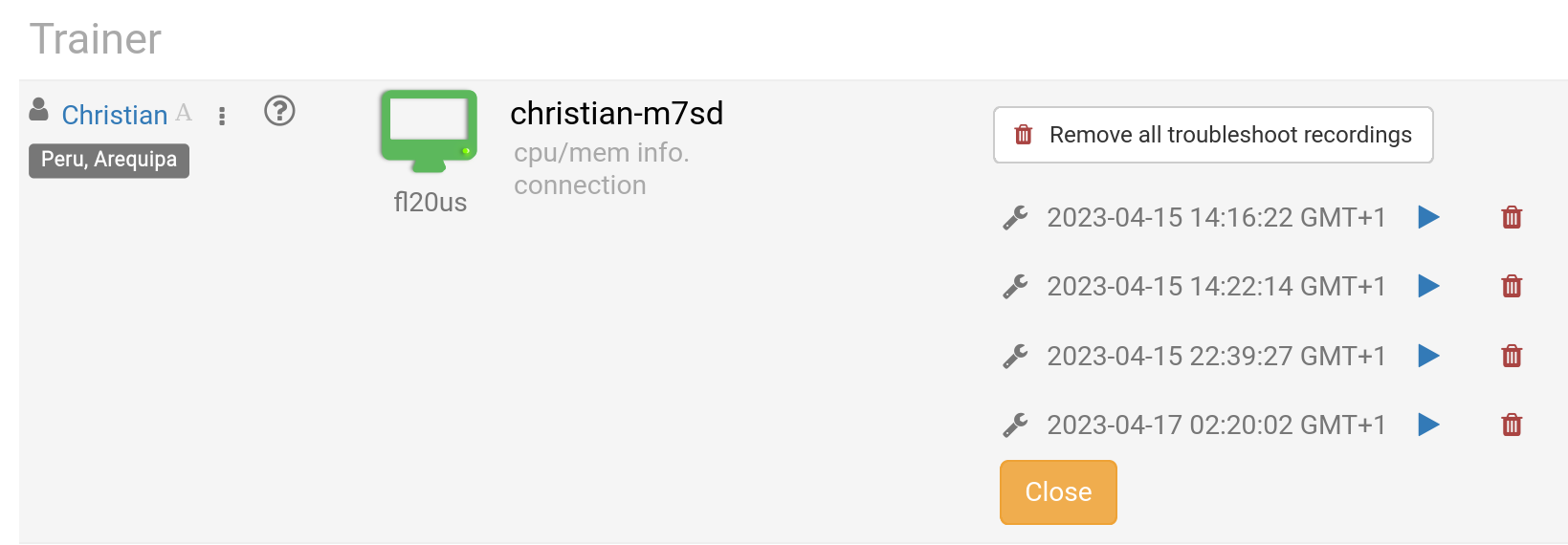
Recordings can be removed by the Trainer as required. Troubleshooting recordings are also made automatically during course preparation, but they are used only for troubleshooting course set-ups, if needed.
View your recordings under Recording. This is divided into three types of Recordings, i.e.,
- Trainer
- Training Room
- Troubleshooting
Only Trainer and Training Room recordings can be published externally.