Getting Participants Onboard
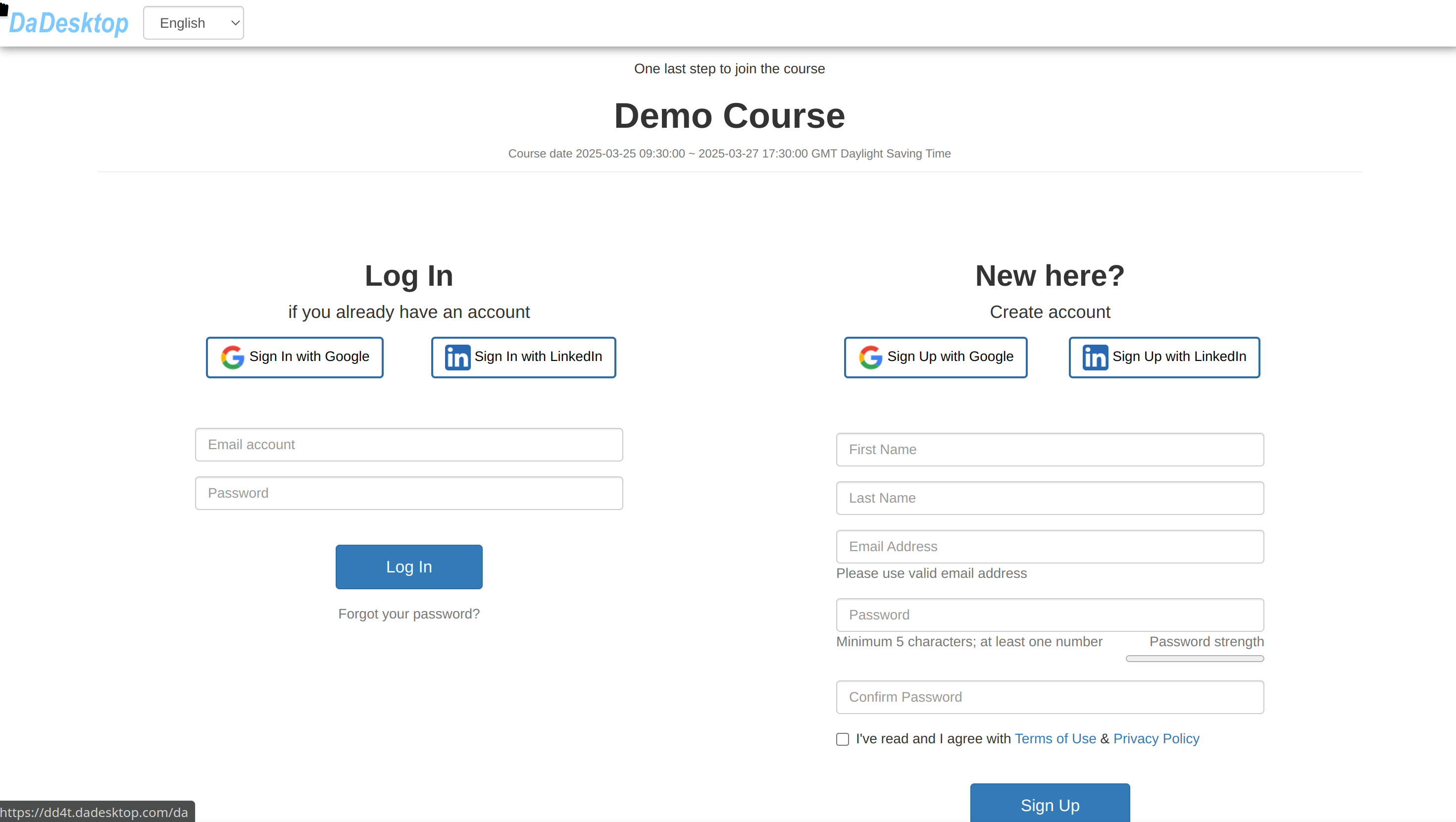
Once the course is set up, the trainer can invite learners through the "pink invitation link".
- Participants can sign up for the course using this link.
- Each course gets its own unique invitation link (one course, one link).
- Do use Chrome or Firefox when registering for the course.

As a participant, simply open the link and complete your course registration.